Load your maps, preview instantly, switch lighting setups, and export clean results. Fast, accurate, and built for real production work.
Material Studio Pro is a zero-bloat, standalone presentation utility for texture artists. Instantly check, catalog, and render your finished PBR map folders without ever launching a heavy DCC app.
How it compares: Material Studio Pro vs. Marmoset Toolbag
| Feature | Material Studio Pro | Marmoset Toolbag | Why It Matters |
|---|---|---|---|
| Pricing | One-time purchase $29 | $19 monthly license | Pays for itself instantly - No recurring subscription for a utility tool. |
| Footprint & Boot Time | Ultra-lightweight / Near-Instant | Heavy DCC app, full scene load | No lag. Open, verify maps, close - without breaking your flow. |
| Batch Processing | AutoEntire folder or library in one click | ManualScene setup per material | Turns an hour of manual rendering into a single click. |
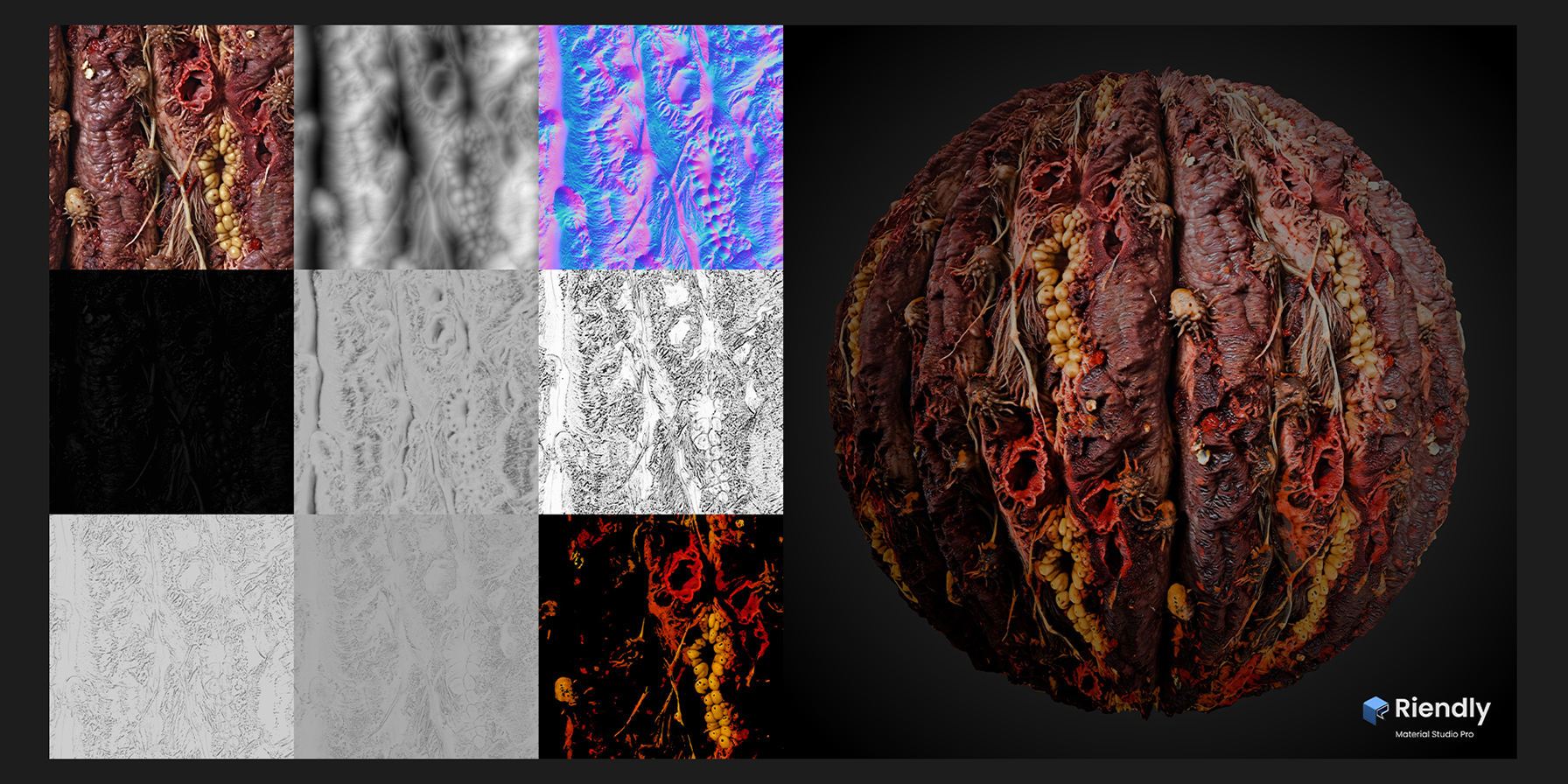
| Channel Inspector | AutoSolo renders cached in the background | ManualNode shuffling or viewport hotkeys | Check any map channel in seconds without touching nodes. |
| Lighting Preview | Live HDRI + 3-light studio (Rim, Key, Fill) | Custom ray-traced lighting setup | Fast, standardised look-dev against an 18% grey sphere. |
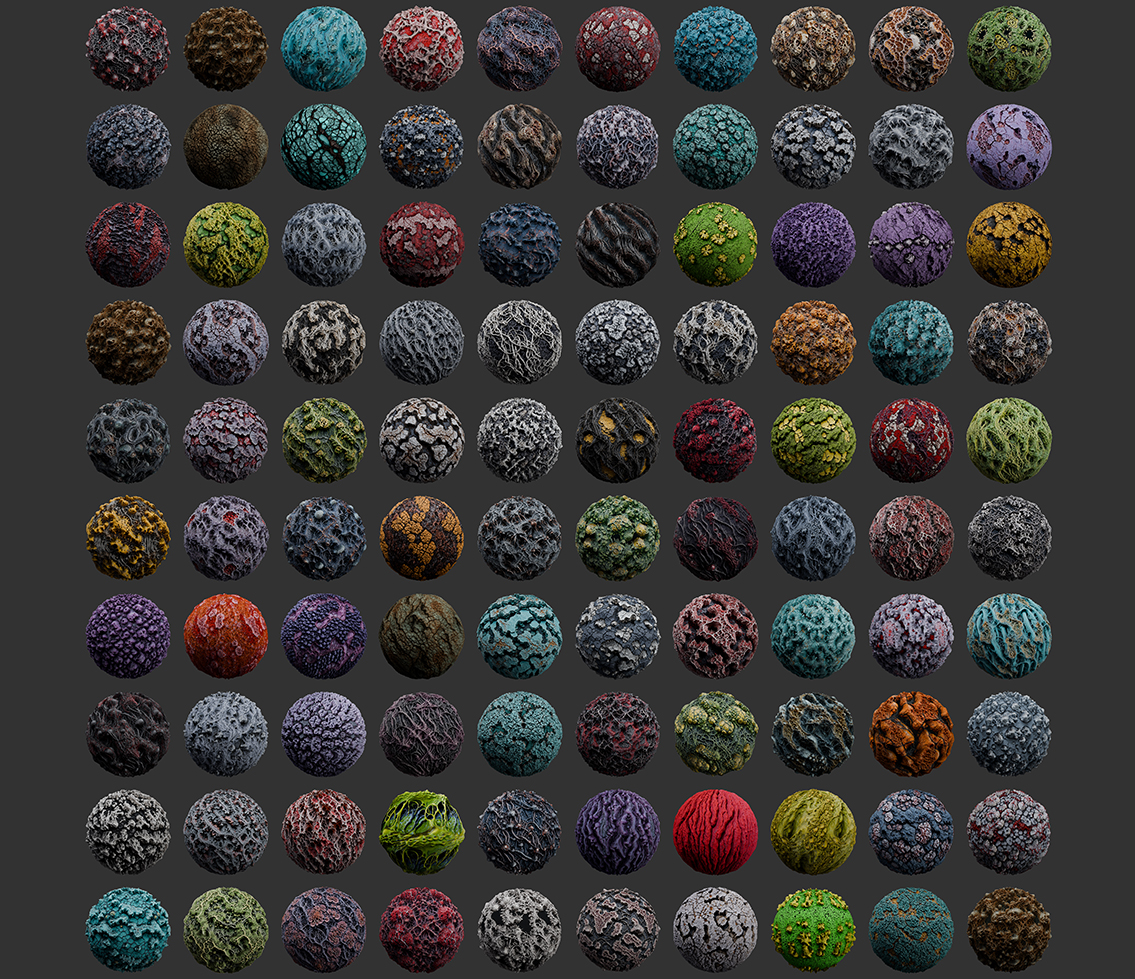
| Contact & Showcase Sheets | Built-inAutomated grid & layout output | ExternalPhotoshop/Bridge or manual layout | Portfolio-ready and store-ready sheets in one click. |
| 3D Scene & Baking | NoPBR look-dev and automation only | YesFull scene, animation, ray-trace baking | If you bake elsewhere, MSP skips the presentation bottleneck entirely. |
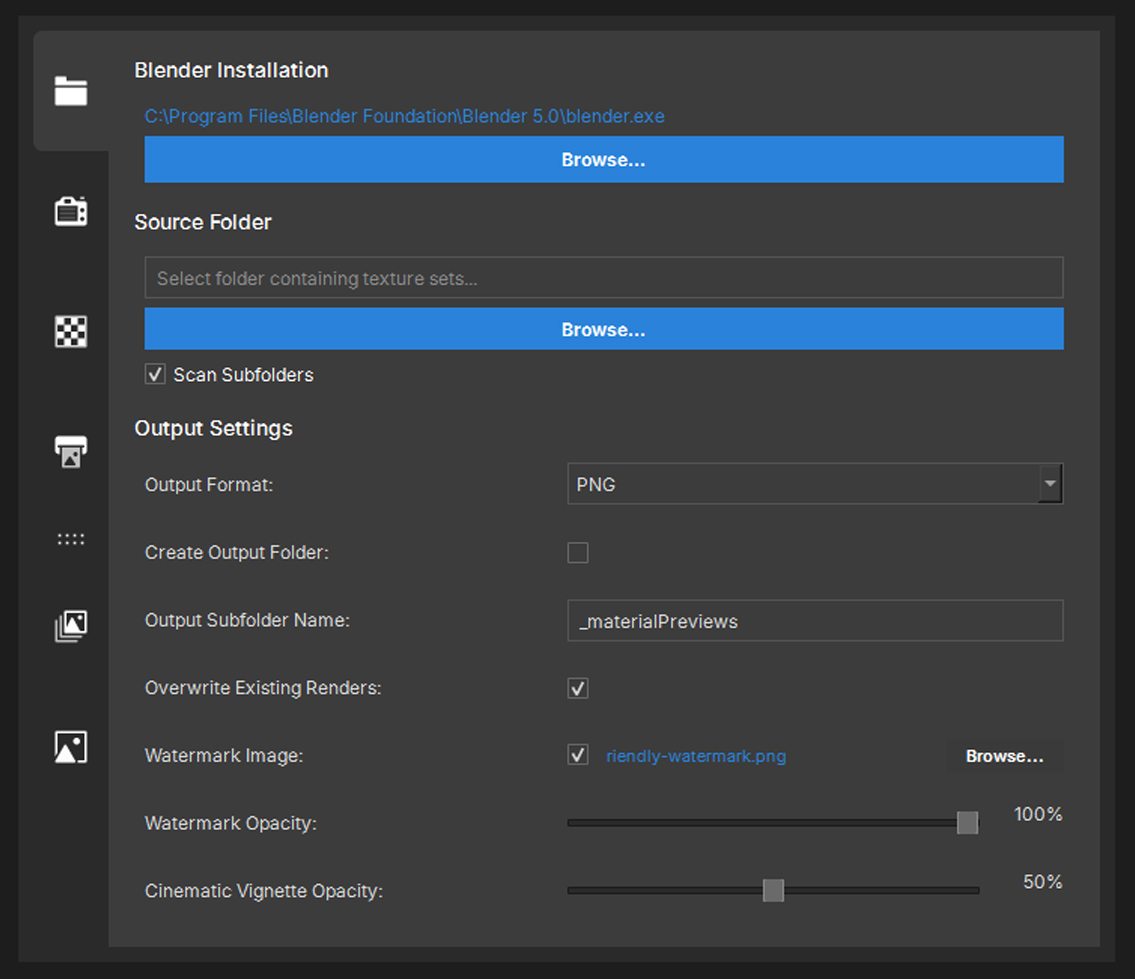
01: Batch Processing
Point, Click, and Automate
Connect your local Blender installation, pick your master texture folder, and let the background engine do the heavy lifting. Toggle subfolder scanning to map out an entire hard drive of assets automatically.
Material Studio Pro auto-detects standard PBR suffixes (_Albedo, _Normal, _Roughness) to load and bind your material libraries instantly in the background.
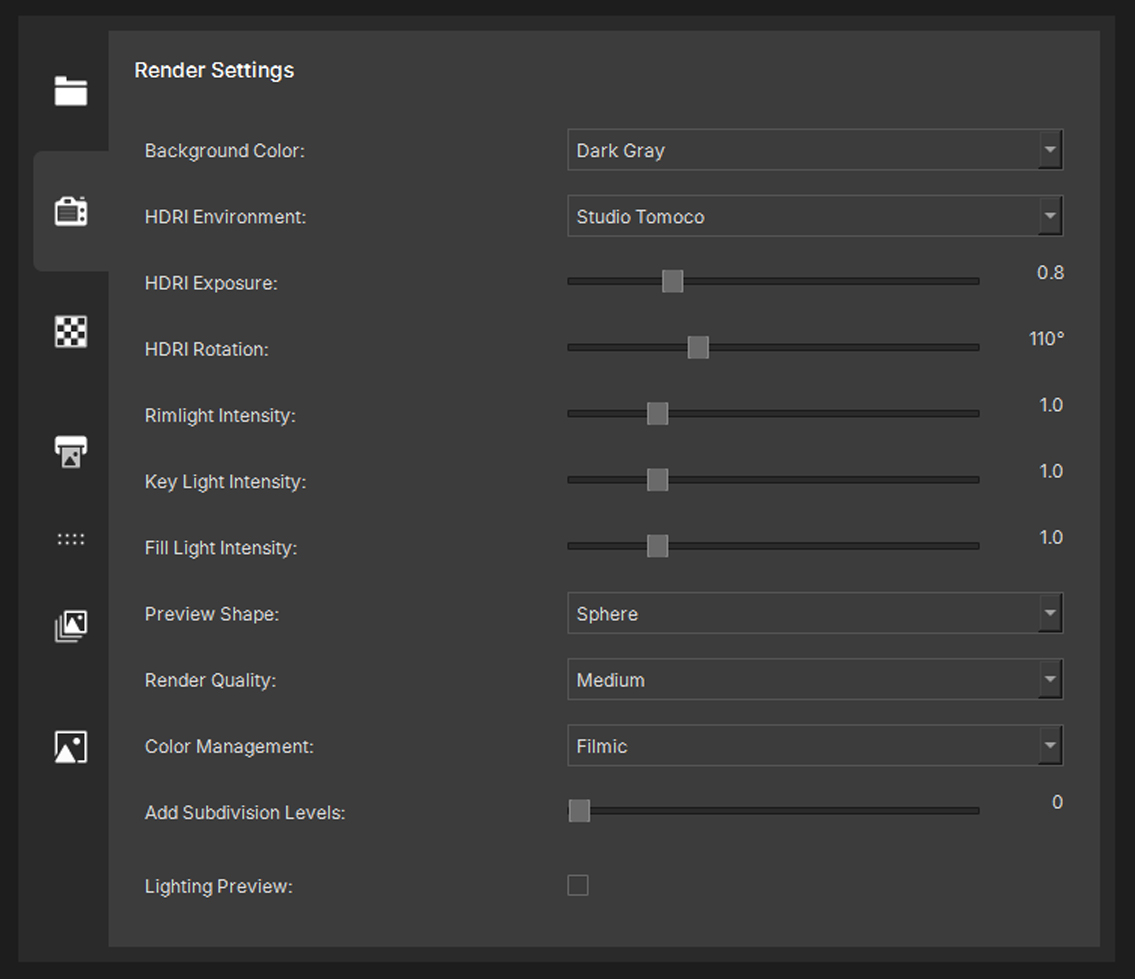
02: Texture Map Adjustments
Instant Studio Look-Dev
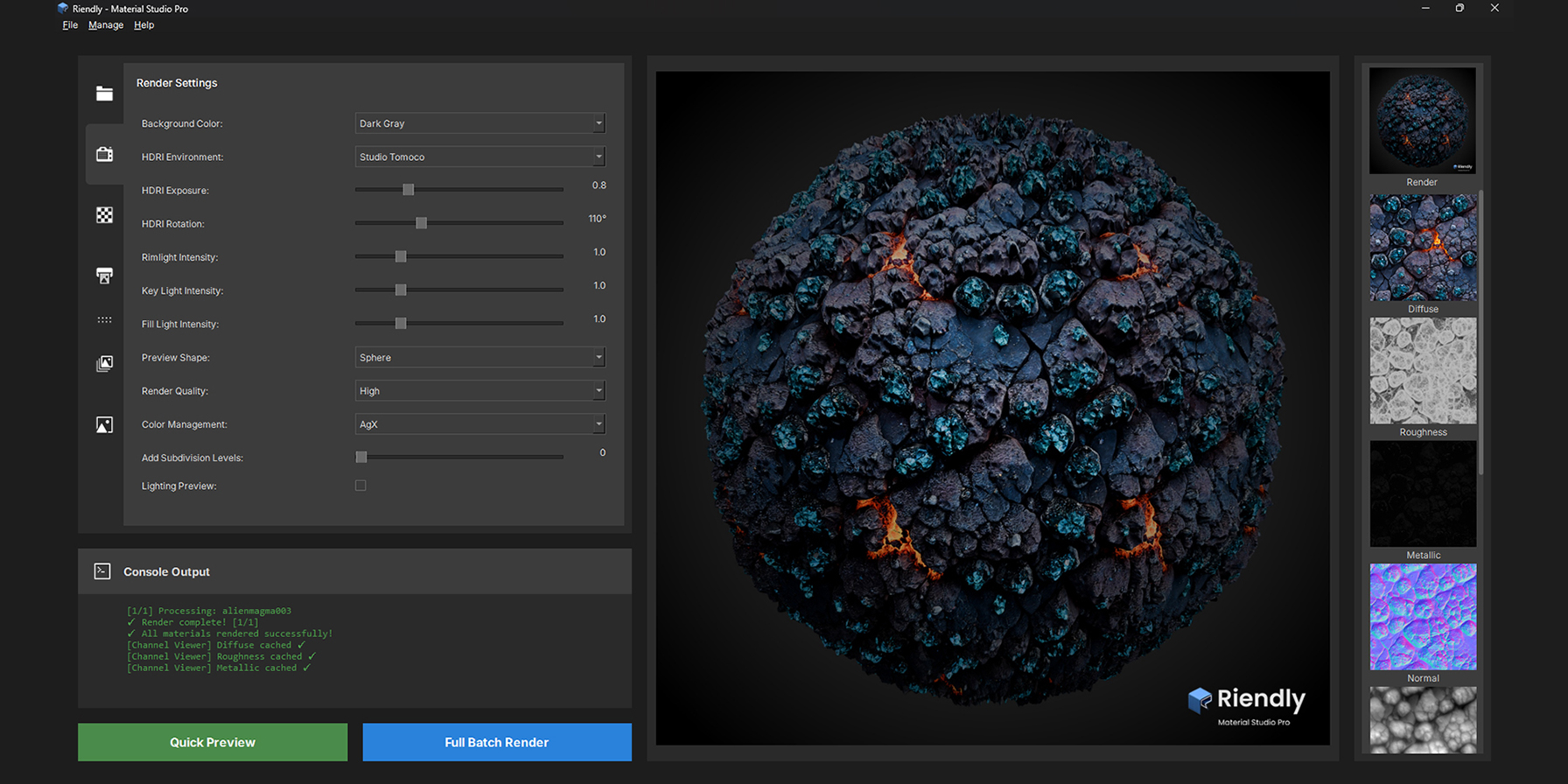
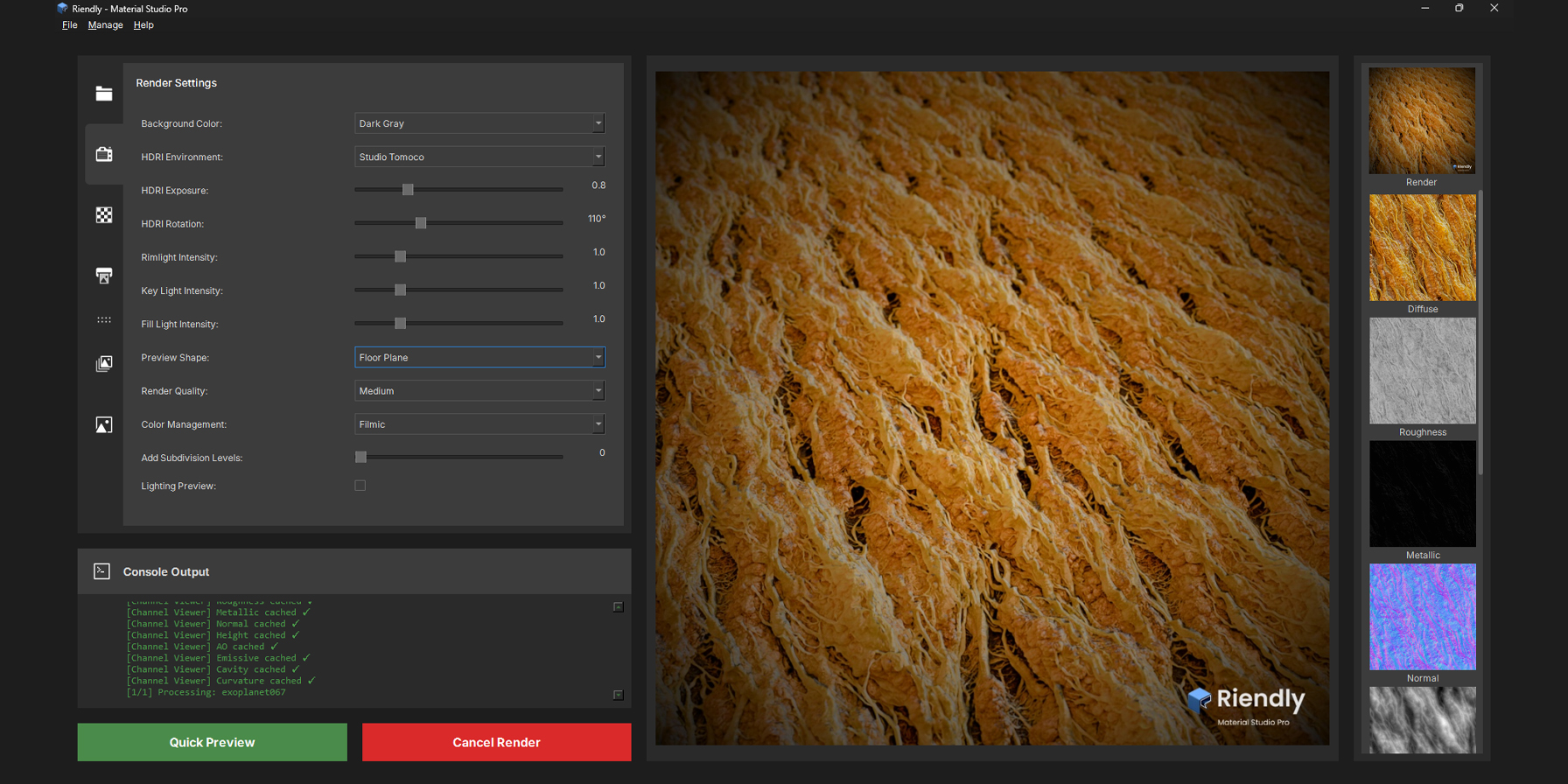
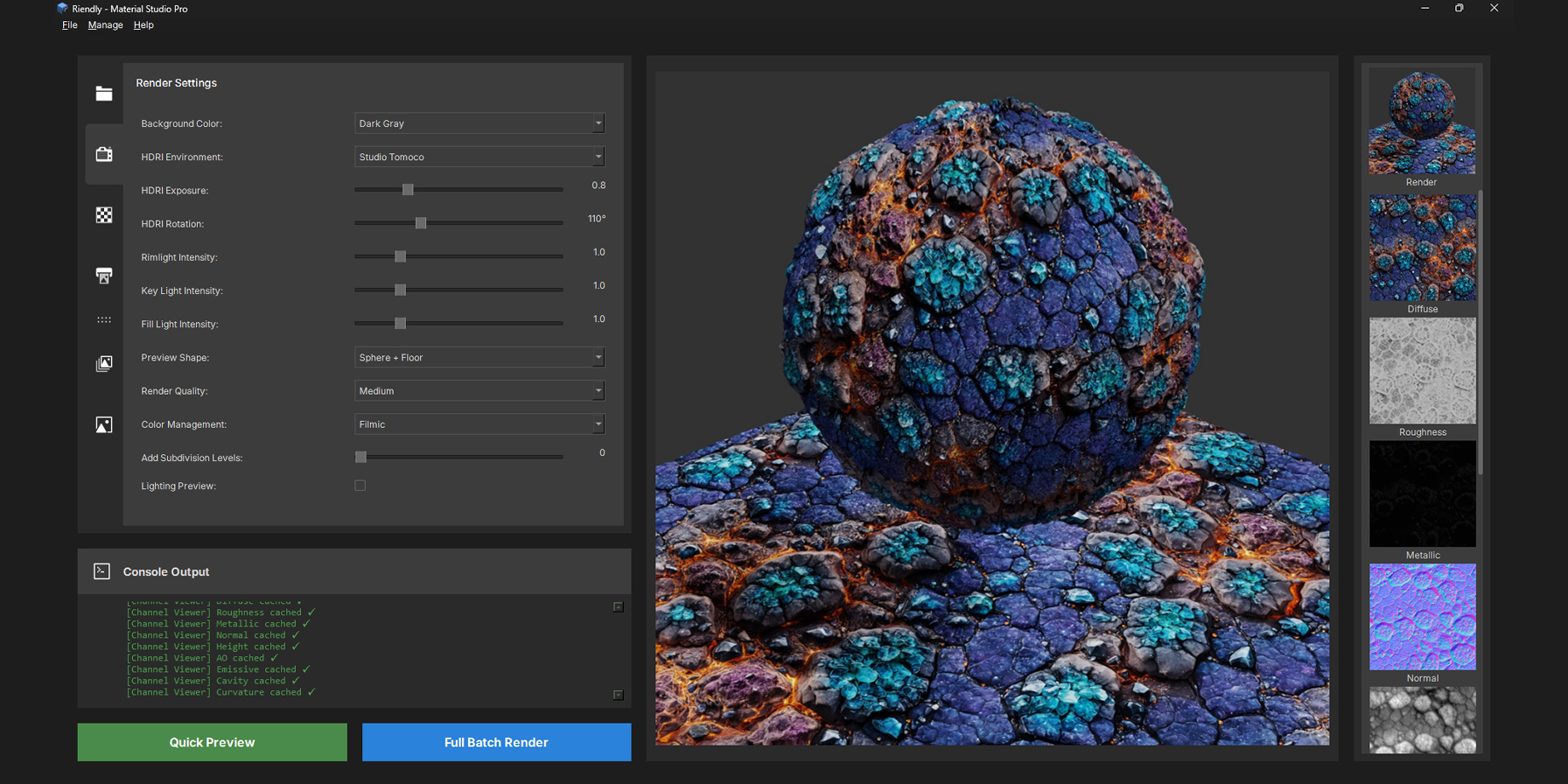
Dial in your global rendering standards across your entire library simultaneously. Tweak HDRI environments, rotation, exposure, and control a dedicated 3-point studio light system (Key, Rim, Fill) to perfectly calibrate your viewports.
Establish an exact, uniform presentation standard for hundreds of materials at once, avoiding the nightmare of loading and adjusting scenes manually.
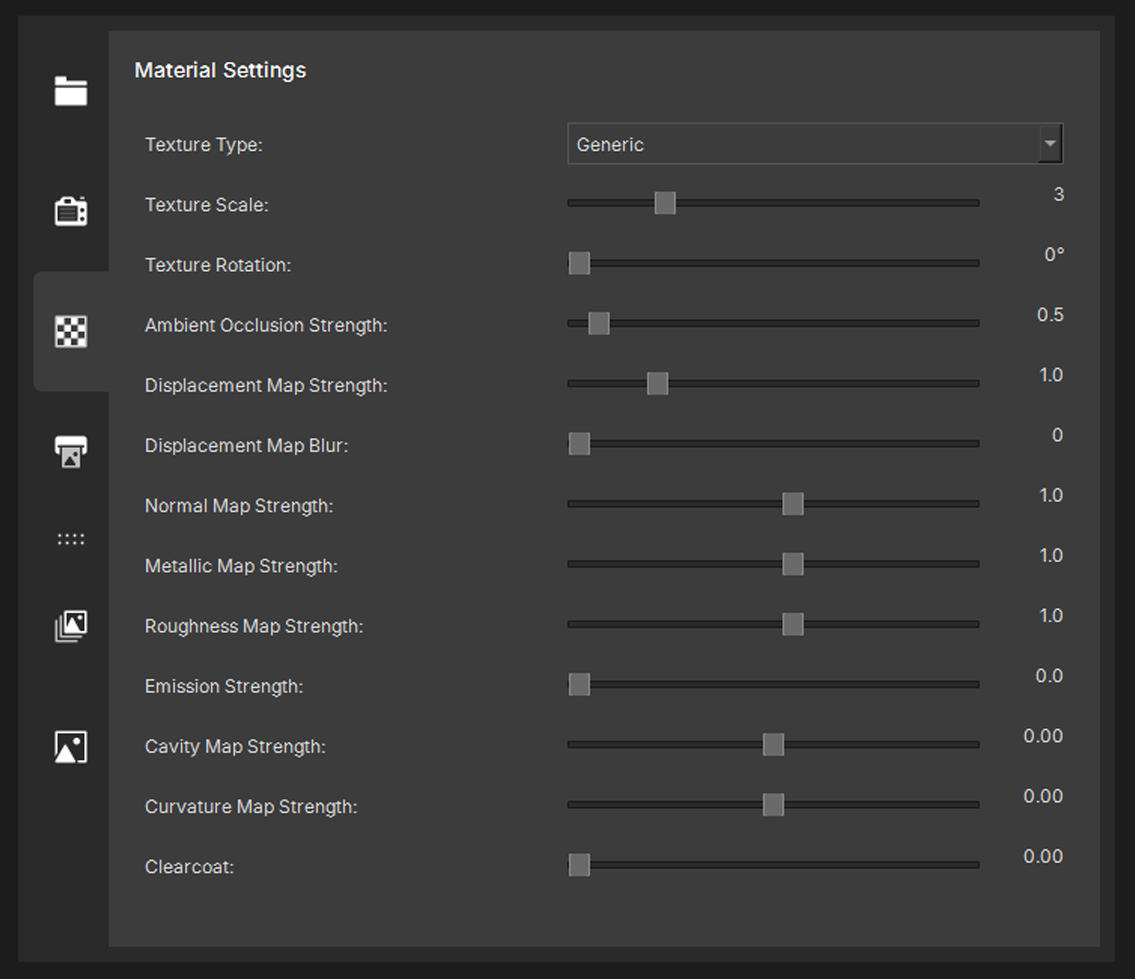
03: Render Settings
Granular Control, Globally Applied
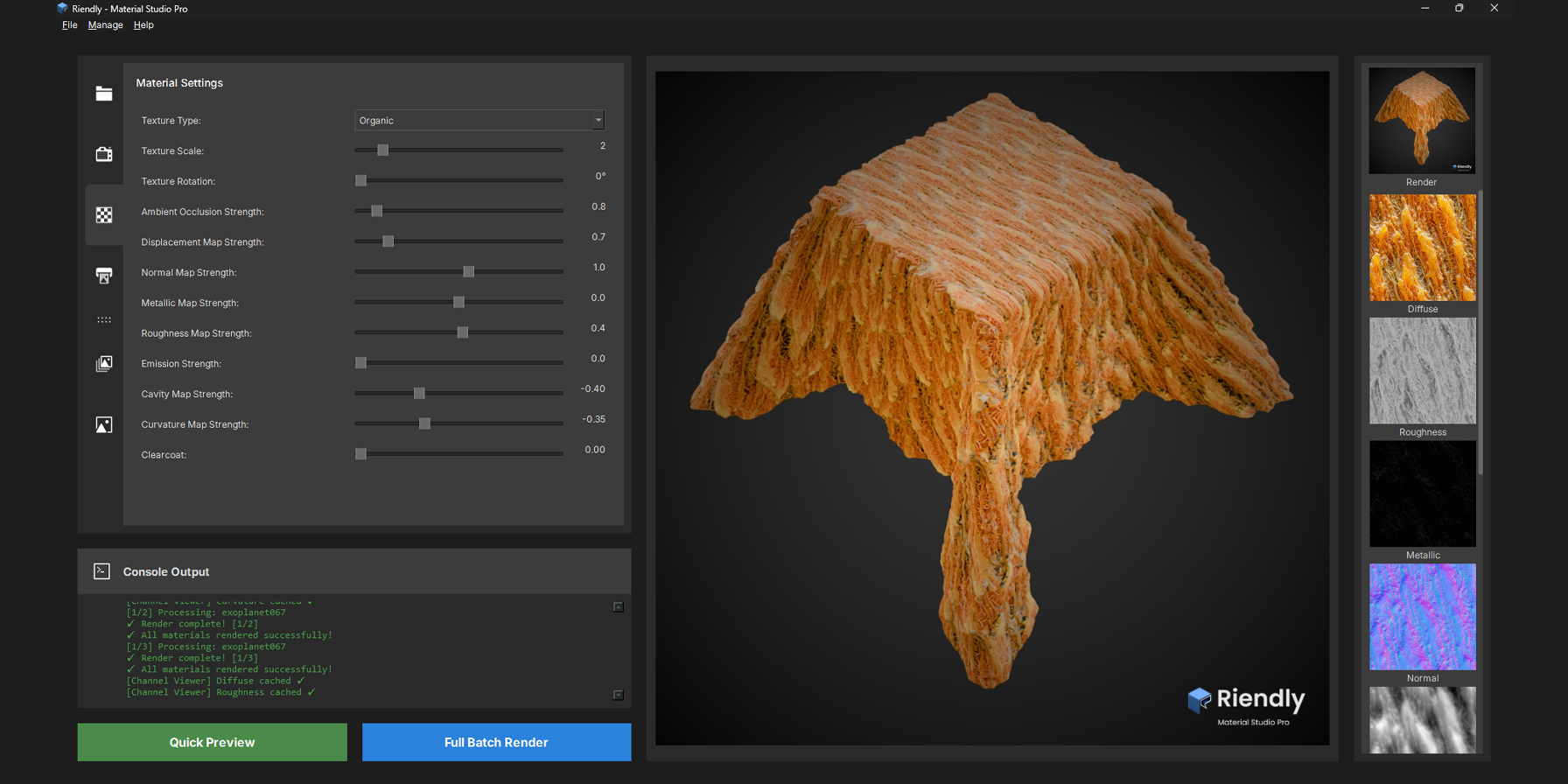
Fine-tune how your maps behave without touching a single shader graph. Effortlessly adjust global texture scaling, rotation, displacement map strength, normal intensity, and cavity layers across your batch runs via simple sliders.
No manual node tweaking, multiplier math, or material graph shuffling required. Get your textures looking identical and flawless with global, centralized sliders.
04: Render
Instant Portfolios & Catalog Sheets
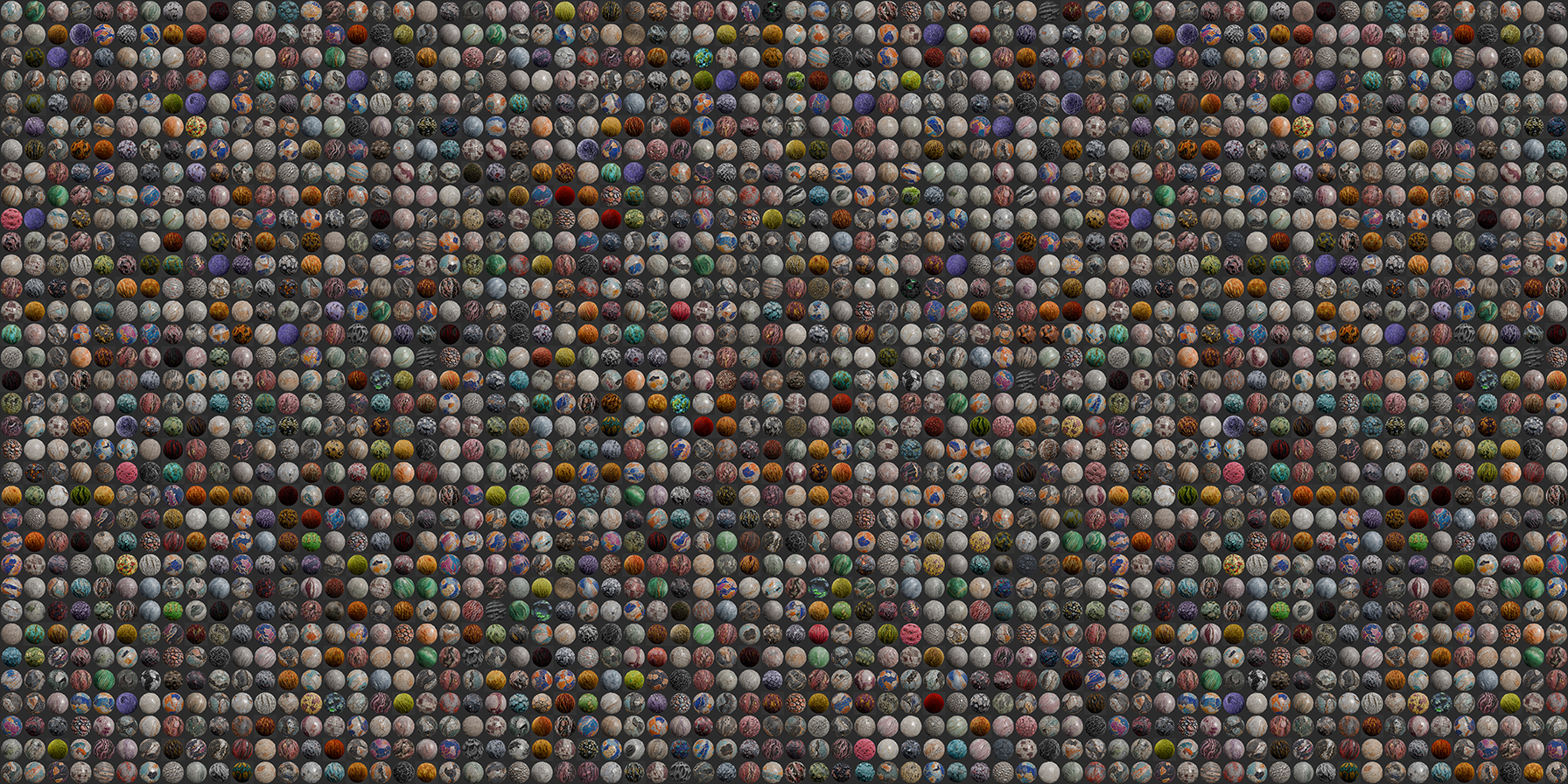
The ultimate payoff. Material Studio Pro seamlessly compiles all processed materials into perfect, clean contact sheets, professional showcase layouts, or isolated channel review grids directly inside your output folders.
Turns hours of manual layout work in Photoshop or heavy DCC rendering queues into a one-click, background automation sequence. Ready for asset stores, clients, or portfolios instantly.